
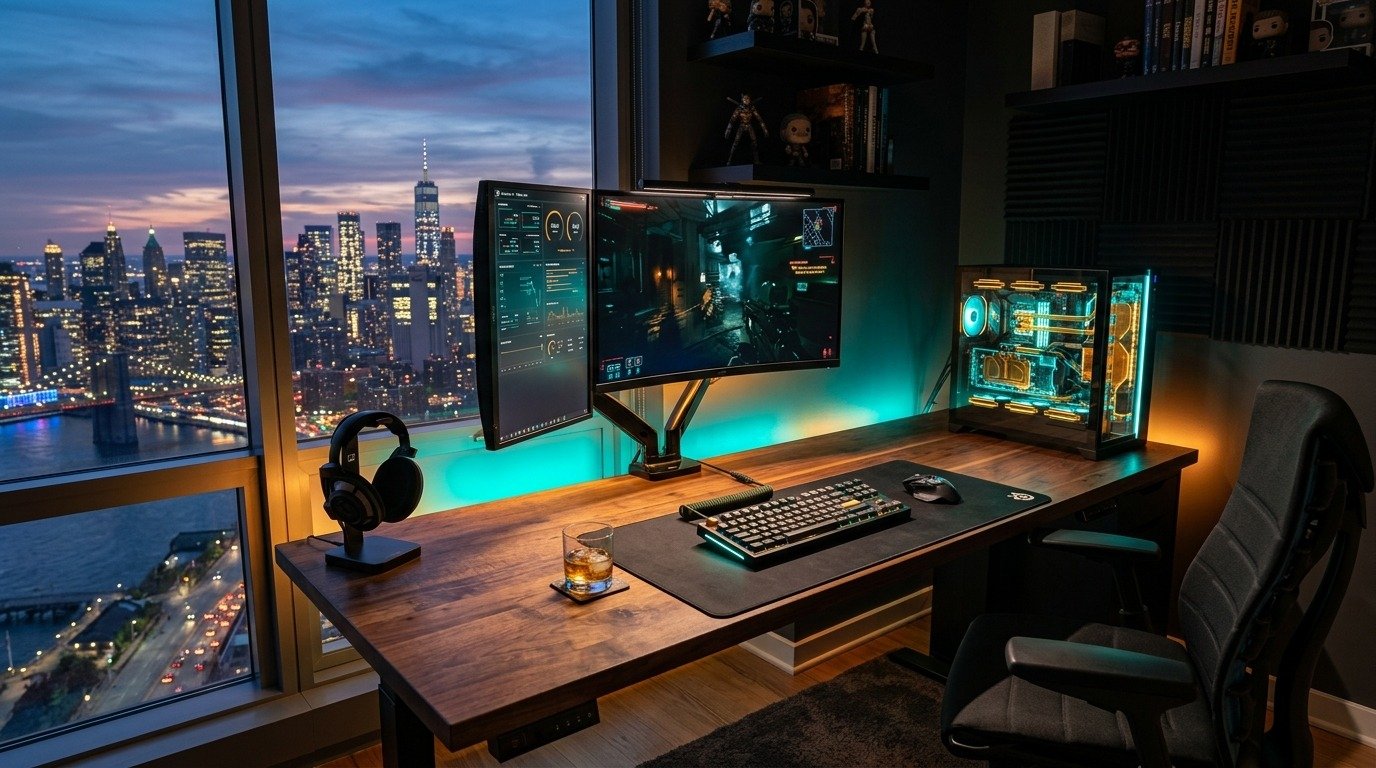

Gaming Room Setup Ideas for 2026: Lighting, Desk & Aesthetic Guide
Gaming rooms have quietly become one of the fastest-moving home decor categories around, and the search data backs it up hard. "Gaming Room Setups" is currently up 600% month over month on Pinterest, sitting at the top of both the Home Decor and Entertainment categories. This isn't just about having a PC on a desk anymore. It's a full design category now, with its own lighting rules, color stories, and layout logic.
This guide skips the generic photo-gallery approach and gets into what actually makes a gaming room look (and feel) like the ones racking up saves on Pinterest: a real lighting system, the desk essentials worth buying first, and the color themes currently defining the look.
1. The Lighting System That Actually Matters
2. Desk & Ergonomics Essentials
3. Pick Your Aesthetic
4. Small-Space & Budget Setups
5. Shared / Couples Gaming Rooms
6. What to Buy First (Priority Order)
7. FAQs
The Lighting System That Actually Matters
Lighting is the single biggest factor separating a setup that looks professionally designed from one that just has a desk in a room. Specialists building these rooms consistently describe the same three-layer system.
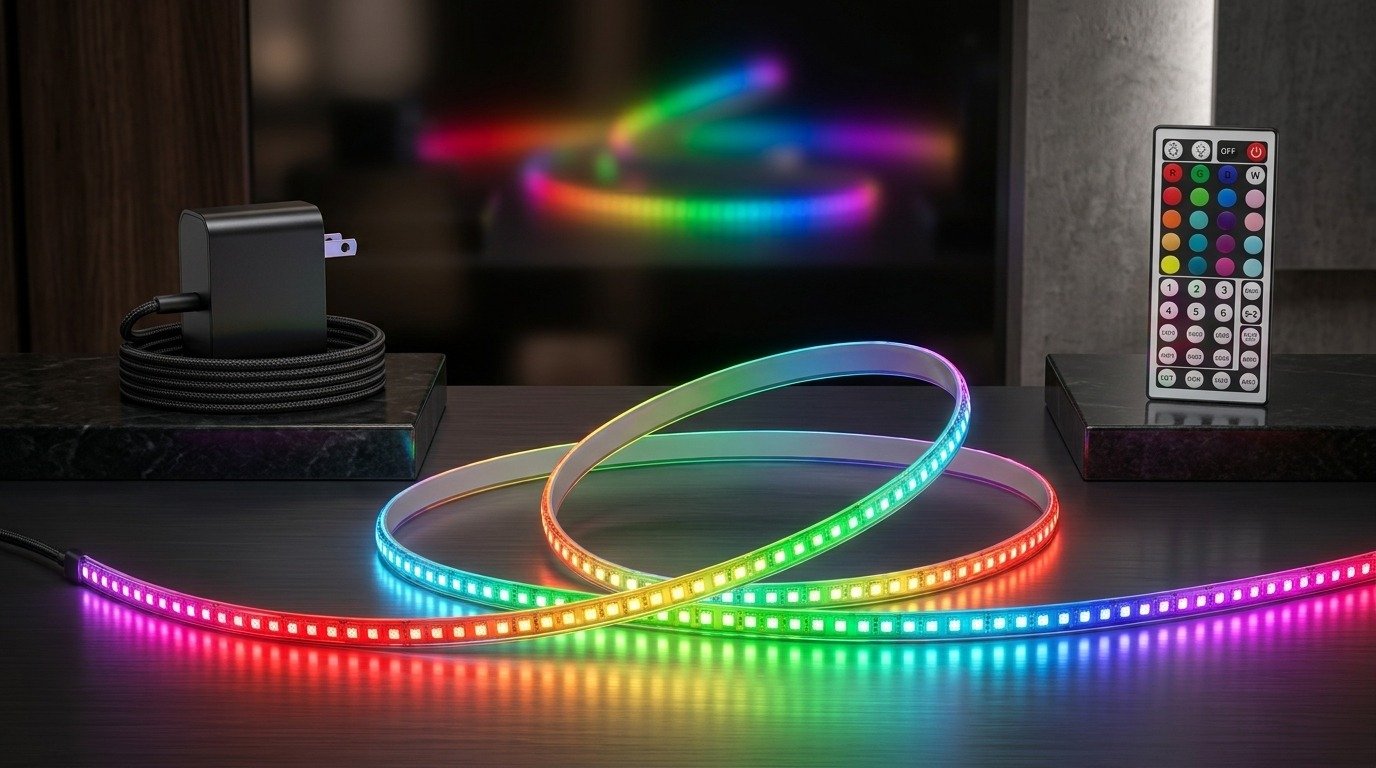
Layer 1: Ambient Lighting
This is your base layer, usually an LED strip run around the ceiling perimeter, along a shelf, or under the desk. It fills the room with soft, indirect color and sets the overall mood before anything else turns on.
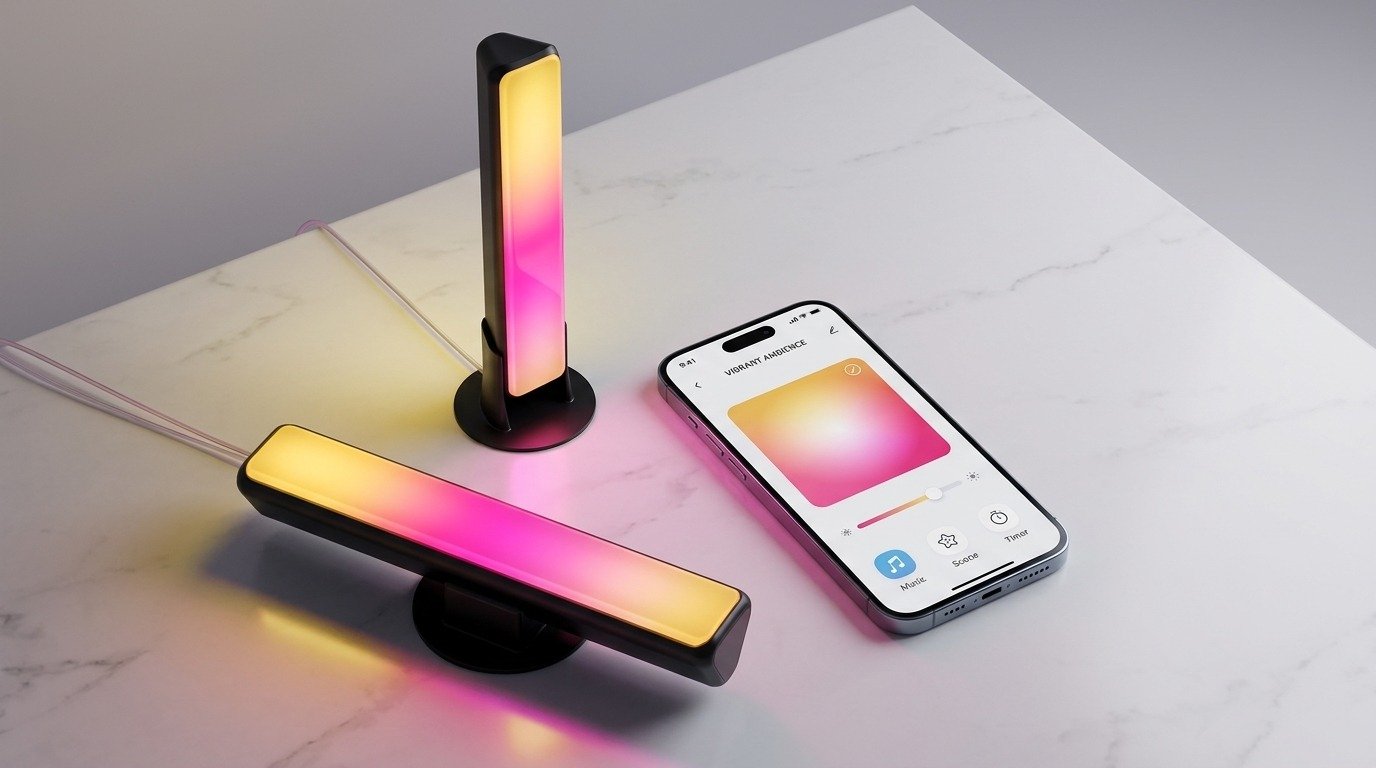
Layer 2: Task Lighting
A dedicated light for your actual work surface, usually a dimmable desk lamp or a monitor light bar that clips above the screen. This is the layer that actually helps you see your keyboard and reduces eye strain, and specialists call it the highest-impact single purchase if you're starting from nothing.
Layer 3: Bias Lighting
A thin LED strip placed directly behind the monitor. It doesn't light the room, it just softens the contrast between a bright screen and a dark wall behind it, which is what actually reduces eye fatigue during long sessions.

Desk & Ergonomics Essentials
Once lighting is sorted, these are the accessories that come up again and again in current gaming room guides, roughly in order of impact.
| Accessory | Why it matters |
|---|---|
| Monitor arm / mount | Frees up desk space and lets you adjust height and angle for posture |
| Under-desk cable tray | The fastest fix for the "tangled wires" look that undermines an otherwise clean setup |
| Extended mouse pad | Covers the full desk surface for a cohesive look and smoother mouse travel |
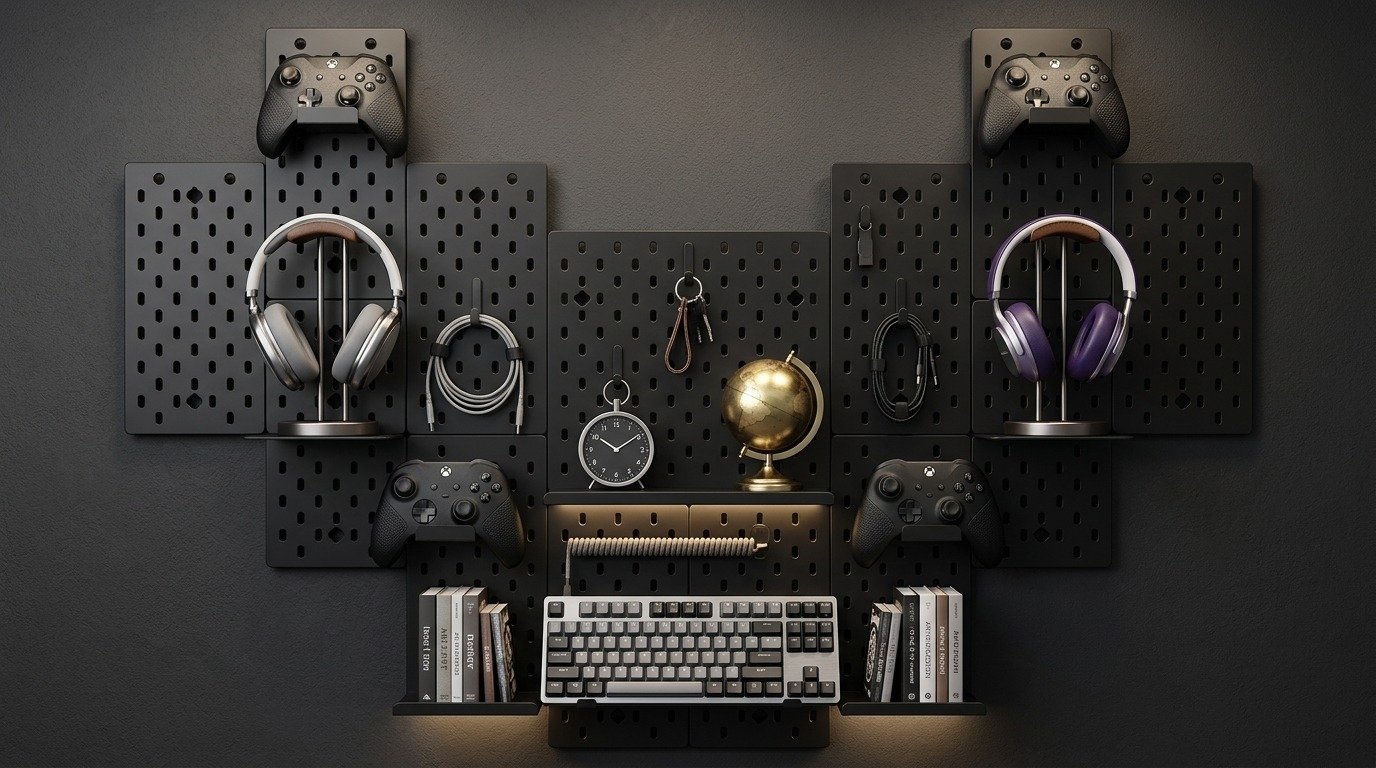
| Desk pegboard | Wall-mounted storage for headsets, controllers, and small accessories off the desk surface |
| Floating shelves | Adds display space for collectibles or plants without crowding the desk |

Pick Your Aesthetic
Current gaming room content clusters around a handful of repeatable color stories. Pick one and stay consistent rather than mixing several at once.
Monochrome / Minimalist
Black, white, or grey desk and accessories with clean cable hiding and a single accent light. This is the easiest aesthetic to keep looking high-end, since there's little visual noise to manage.
Soft Pink / "Soft Tech"
Blush tones, a white or rose-gold desk, and warm pink bias lighting dialed low rather than saturated. Described by current guides as more refined than earlier bright-pink gaming aesthetics.
Dark & Moody with Purple or Blue Accents
A near-black room with a single strong accent color (deep purple or cool blue) creates a cinematic, focused feel, and it's one of the most Pinterest-saved looks right now.
Natural / Organic
Warm wood tones, hanging plants, and soft amber LED lighting instead of saturated RGB. A calmer alternative for anyone who finds full RGB setups visually overwhelming.
Small-Space & Budget Setups
You don't need a dedicated room to build this look. Under-stairs nooks, closet conversions, and single-desk corners all work with the same lighting layering system scaled down. A single ambient strip, one task light, and tidy cable management do most of the visual work regardless of room size.
Shared / Couples Gaming Rooms
The shared setup trend for 2026 leans on symmetry rather than one combined workstation: two matching desks, either side-by-side or facing each other, each with its own monitor setup, tied together with a coordinated color palette and shared lighting.

What to Buy First (Priority Order)
If you're building a setup from nothing, specialists consistently recommend this sequence rather than buying everything at once.
| Step | Buy | Why first |
|---|---|---|
| 1 | Dimmable desk/task lamp | Biggest impact on comfort and usability |
| 2 | Bias lighting strip behind the monitor | Immediate reduction in eye strain, low cost |
| 3 | Ambient LED strips for the room | Sets the overall mood and color story |
| 4 | Cable management | Keeps the now-lit setup from looking messy |
| 5 | Accent/feature wall or shelving | Final polish once the basics are working |
Frequently Asked Questions
What's the single best upgrade for a gaming room on a budget?
A dimmable desk lamp, followed by a bias-lighting strip behind the monitor. Both are inexpensive and have an outsized effect on comfort and visual polish compared to their cost.
Why does my RGB setup look cheap even with expensive lights?
Usually because the LED strips are mounted where the bare diodes are visible, rather than hidden behind the desk or monitor so the light reflects indirectly. Indirect light reads as intentional; visible strips read as unfinished.
Do I need a dedicated room for a good gaming setup?
No. The same lighting layers and cable management principles scale down to a single desk, a closet conversion, or an under-stairs nook.
How many colors should I use in a gaming room?
Most current guides recommend committing to one primary aesthetic and one accent color rather than mixing several RGB themes, which tends to look chaotic rather than designed.
Is RGB lighting still trending, or has the look moved on?
RGB is still popular but more restrained than a few years ago. Current setups favor layered, color-synced lighting over maximum brightness everywhere at once.
Final Thoughts
A gaming room that looks professionally designed almost never comes down to the most expensive desk or the biggest monitor. It comes down to lighting layered correctly, cables that are actually hidden, and one consistent color story instead of five competing ones. Start with the lighting, and the rest of the room follows much more easily.
